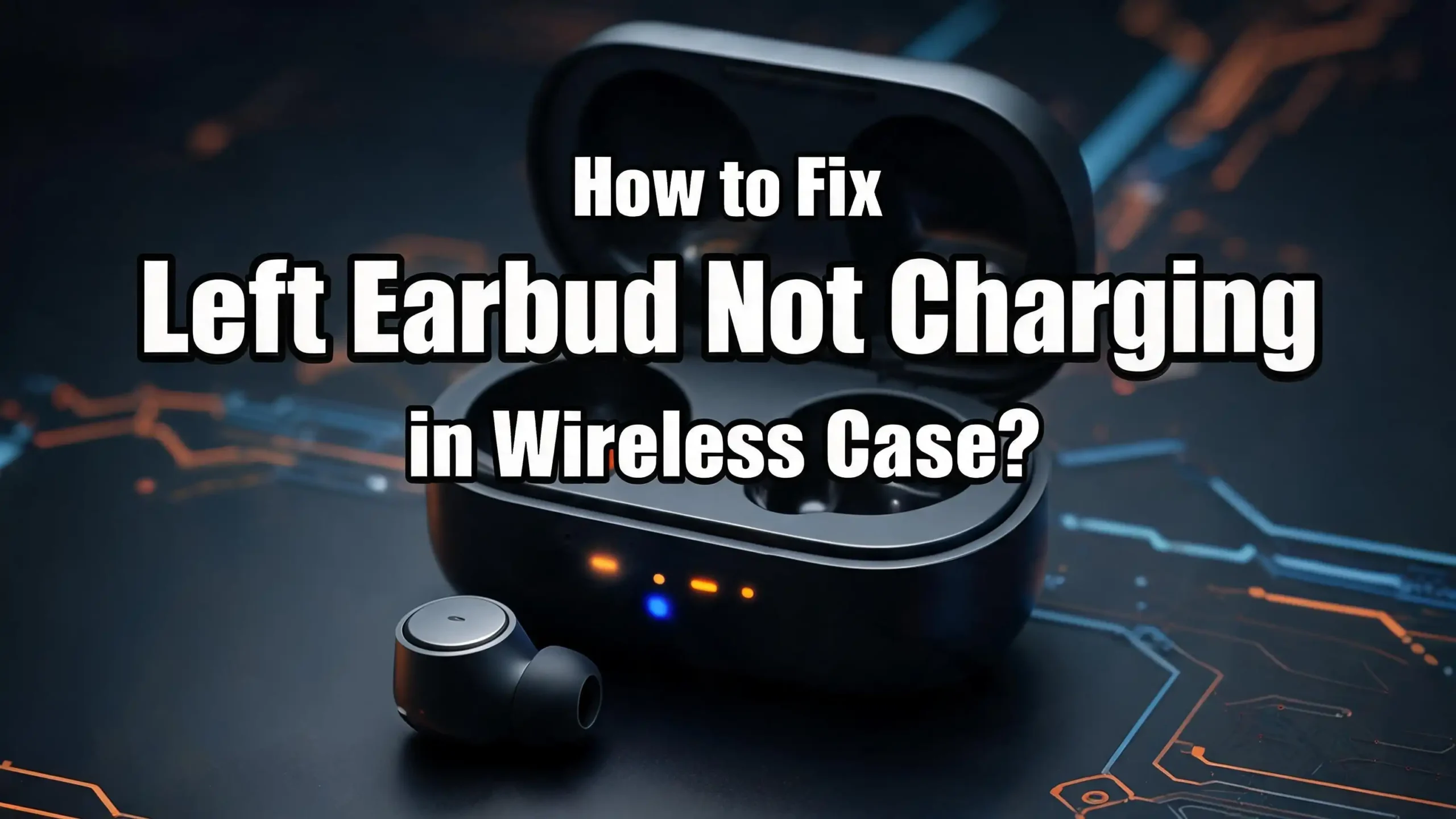
How to Fix Left Earbud Not Charging in Wireless Case?
You just opened your charging case, ready to enjoy your favorite playlist or join an important call. But your left earbud is sitting there at zero percent battery. The right one? Fully charged.
This is one of the most frustrating problems wireless earbud owners face, and it happens far more often than you might expect.
The good news is that this problem is almost always fixable at home. Dirty charging contacts, a misaligned earbud, a software glitch, or a worn out battery can all cause your left earbud to stop charging in its case.
In this guide, you will find every possible cause and solution for a left earbud that refuses to charge. Each fix is explained step by step so you can follow along and get your earbuds back to full power.
In a Nutshell
- Dirty charging contacts are the single most common reason a left earbud stops charging. Dust, earwax, and pocket lint build up on the tiny metal pins inside the case and block the electrical connection. A quick wipe with a cotton swab and isopropyl alcohol fixes this in most cases.
- Incorrect placement inside the case is the second most likely culprit. If the left earbud is not seated properly, it will not make contact with the charging pins. Remove the earbud and reinsert it until you feel a magnetic click or see the LED indicator light up.
- A dead charging case cannot send power to either earbud. Always verify that your case has battery life remaining before assuming the earbud itself is the problem. Plug the case into a power source for at least 15 minutes and try again.
- Software glitches and outdated firmware can interfere with the charging process. A factory reset or a firmware update through the companion app resolves many charging failures that cleaning alone cannot fix.
- Battery degradation becomes a factor after two to three years of regular use. Lithium ion batteries inside earbuds have a limited lifespan, and one earbud may degrade faster than the other due to heat from internal components like the Bluetooth antenna. If none of the other fixes work, a worn out battery is likely the cause.
Why Does Only the Left Earbud Stop Charging
Many users notice that the left earbud seems to fail more often than the right one. This is not random. Research has shown that lithium ion batteries inside earbuds degrade unevenly because heat from internal components like the Bluetooth antenna and microphone affects each earbud differently.
The left earbud in many models handles specific tasks like primary microphone input during calls. This can cause it to generate slightly more heat during use. Over time, that extra heat accelerates the chemical breakdown of the battery.
Another reason is physical. Most people are right handed and tend to handle the right earbud more carefully. The left earbud may get bumped, dropped, or inserted into the case at a slight angle more frequently. These small impacts can shift the charging contacts out of alignment over time.
Pocket lint and debris also tend to accumulate unevenly inside the charging case. One side of the case may collect more dust than the other depending on how you store and carry it. This buildup can prevent the left earbud from making a solid connection with the charging pins.
Clean the Charging Contacts on the Left Earbud
Dirty or corroded charging contacts are the number one reason earbuds fail to charge in their case. This fix solves the problem for the majority of users. The metal contact points on both the earbud and inside the case need a clean surface to transfer electricity.
Start by removing both earbuds from the case. Use a dry cotton swab to gently wipe the metal contact points on the bottom of the left earbud. Look for any visible buildup of earwax, dust, or dark residue on the pins.
Next, dip a fresh cotton swab in 70% isopropyl alcohol. Gently clean the same contact points on the earbud. Do not soak the swab. It should be slightly damp, not dripping. Wipe the contacts in a circular motion to remove any stubborn grime.
Now clean the charging pins inside the case. These are the small spring loaded metal pins (called pogo pins) that sit in each earbud slot. Use another alcohol dampened cotton swab to wipe these pins carefully. If you notice green or dark discoloration, that is corrosion. A pencil eraser rubbed gently over the corroded area can help remove the buildup. Wipe away the eraser residue with a clean swab afterward.
Let both the earbuds and the case air dry for 10 to 15 minutes before reinserting. This ensures no moisture interferes with the charging connection.
Reseat the Left Earbud in the Case
Sometimes the fix is as simple as removing and reinserting the left earbud. Wireless earbuds rely on precise alignment with the charging pins inside the case. Even a fraction of a millimeter can break the connection.
Take the left earbud out of the case completely. Inspect the slot where it sits. Look for any debris, lint, or small particles that might be preventing the earbud from sitting flush. Blow gently into the slot or use a can of compressed air to clear it out.
Now place the left earbud back into the case. Press it down firmly but gently. You should feel a magnetic pull that snaps the earbud into position. Many models also produce a subtle click when the earbud is properly seated.
Check the LED indicator on the case or the earbud itself. A light turning on confirms that the earbud has made contact with the charging pins and is receiving power. If the light does not appear, try rotating the earbud very slightly and pressing down again.
If you use silicone ear tips, check whether they are interfering with the fit. Oversized or third party ear tips can sometimes prevent the earbud from sitting deep enough in the case to reach the charging contacts. Try removing the ear tips temporarily and placing the bare earbud in the case to test.
Make Sure the Charging Case Has Power
This sounds obvious, but it is one of the most overlooked causes. Your charging case is a battery itself. If it has no charge, it cannot send power to either earbud. Many users assume the left earbud is broken when the real problem is a dead case.
Check the LED indicator on the outside of your charging case. Most cases show a series of lights or a color change to indicate battery level. If no lights appear when you open the lid, the case is likely dead.
Plug the case into a power source using the original charging cable that came with your earbuds. Use a standard wall adapter or a computer USB port. Let the case charge for at least 15 to 20 minutes before inserting the earbuds again.
If the case does not respond to charging at all, try a different cable. Damaged or frayed cables are a common source of charging failures. Also test a different wall adapter or USB port to rule out a faulty power source. Wireless charging cases should be placed correctly on a Qi compatible charging pad with proper alignment.
Once the case has some charge, insert the left earbud and check if it begins charging. A fully charged case should be able to charge your earbuds multiple times over.
Perform a Factory Reset on Your Earbuds
A factory reset clears all stored settings and returns your earbuds to their original state. This can resolve software glitches that prevent one earbud from charging properly. Many users report that a simple reset fixes the left earbud charging issue immediately.
The reset process varies by brand. For most earbuds, the general steps are similar. Place both earbuds in the charging case. Close the lid and wait for at least 10 seconds. Then open the lid.
Some models require you to press and hold a button on the case for 10 to 15 seconds until the LED light flashes a specific color. Other models require you to touch and hold the earbud sensors for a set period. Check the instruction manual or the manufacturer’s website for the exact reset procedure for your model.
After the reset, remove the earbuds from the case and pair them again with your phone or device. Place the left earbud back in the case and monitor whether it begins to charge normally.
A factory reset also solves related problems like uneven battery drain, connection drops, and audio imbalance between the two earbuds. It is a safe process that does not damage your earbuds in any way.
Update the Firmware on Your Earbuds
Outdated firmware can cause charging issues that no amount of cleaning or resetting will fix. Many earbud manufacturers release firmware updates that address bugs, improve battery management, and fix charging behavior.
Check if your earbuds have a companion app. Brands like Samsung, Sony, Jabra, and others offer dedicated apps that let you manage settings and install updates. Open the app and look for a firmware update or software update option.
To update, make sure your earbuds are connected to your phone via Bluetooth. Place them in the charging case with the lid open if the app requires it. The case should have at least 50% battery before starting an update. Follow the on screen instructions and do not interrupt the process.
For earbuds without a companion app, firmware updates may install automatically when the earbuds are connected to a device and placed in the case with the lid closed. Keep your earbuds connected to your phone regularly to allow these background updates to complete.
After the update finishes, place the left earbud in the case and check if it charges. Firmware updates have been known to resolve phantom battery readings, charging failures, and LED indicator errors across many brands.
Inspect the Charging Pins Inside the Case
The charging pins inside your case are small metal contacts that transfer power to the earbuds. Over time, these pins can become bent, stuck, or corroded. A damaged pin on the left side of the case will prevent the left earbud from charging.
Open the case and look closely at the pins in the left earbud slot. Compare them to the pins in the right slot. They should look identical in height and position. If a pin on the left side appears lower, tilted, or stuck in place, it may not be making proper contact with the earbud.
Use a toothpick or a thin, non metallic tool to gently press on each pin. Healthy pins should spring back up when pressed. If a pin stays down or feels loose, the spring mechanism inside may be damaged.
For pins that show green or dark discoloration, corrosion is the issue. Clean them with isopropyl alcohol on a cotton swab. For stubborn corrosion, use a pencil eraser followed by an alcohol wipe. If the pins are physically broken or permanently stuck, you will need professional repair or a replacement case.
Avoid using metal objects to poke or pry at the charging pins. Metal tools can cause short circuits, scratch the contacts, or push the pins further out of alignment.
Check for Physical Damage on the Left Earbud
Physical damage to the left earbud itself can prevent it from charging. Drops, water exposure, and general wear can affect the internal components that manage charging.
Inspect the bottom of the left earbud where the charging contacts are located. Look for any cracks, dents, or scratches near the metal contact points. Even a small crack in the casing can allow moisture or debris to enter and interfere with the charging circuit.
Check whether the left earbud shows any signs of water damage. Many earbuds have an IPX rating for sweat and splash resistance, but they are not waterproof. Submerging them or exposing them to heavy rain can damage internal circuits. Look for discoloration, cloudy residue, or a rattling sound when you shake the earbud gently.
If your earbuds have been dropped on a hard surface, the impact may have loosened an internal solder joint or shifted a component. The earbud might still play audio but fail to charge because the charging circuit is separate from the audio circuit.
If you find visible damage, contact the manufacturer for warranty service or repair options. Attempting to open a wireless earbud without proper tools and experience can cause further damage.
Try Charging With a Different Cable and Adapter
A faulty cable or adapter can cause uneven or failed charging. If the case is not receiving full power, it may charge one earbud but not the other due to insufficient current.
Start by swapping out your charging cable. Use the original cable that came with your earbuds if you still have it. If not, use a certified cable from a reputable source. Avoid using damaged cables with bent connectors, exposed wires, or loose plugs.
Test a different wall adapter as well. Some adapters do not deliver consistent voltage, which can cause intermittent charging. A standard 5V/1A adapter works well for most earbud charging cases. Avoid using fast charging adapters rated above 5V unless the manufacturer specifically says your case supports them.
If your case supports wireless charging, try switching between wired and wireless to see if the issue is specific to one method. Make sure the case is centered on the wireless charging pad. Misalignment can cause weak or failed charging.
Also check the charging port on the case for debris. A buildup of lint in a USB C or micro USB port can prevent the cable from fully inserting. Use a toothpick to gently clear any debris from the port.
Drain the Battery Completely and Recharge
A full discharge and recharge cycle can sometimes recalibrate the battery management system inside your earbuds. This is especially useful when the left earbud shows incorrect battery levels or refuses to charge past a certain percentage.
Take both earbuds out of the case and leave them powered on. Play audio or leave them connected to a device until both earbuds die completely. The goal is to bring the battery level to absolute zero.
Once both earbuds have shut off, place them back in the charging case. Make sure the case is plugged into a power source. Close the lid and leave everything to charge for at least two to three hours without opening the case or removing the earbuds.
This process helps the battery management chip inside the earbud reset its calibration. Sometimes the chip loses track of the actual battery level and reports incorrect readings. A full cycle from zero to one hundred percent can fix these reporting errors.
Do not perform this full drain and recharge cycle frequently. Lithium ion batteries last longest when kept between 20% and 80% charge. Use this method only as a troubleshooting step, not a regular maintenance routine.
Understand When Battery Degradation Is the Problem
If you have tried every fix above and the left earbud still will not charge, battery degradation may be the real cause. Lithium ion batteries have a limited number of charge cycles before they lose significant capacity.
Most wireless earbuds deliver reliable performance for two to three years of daily use. After that point, the battery inside each earbud begins to lose its ability to hold a charge. You might notice the left earbud dying faster than the right or failing to charge altogether.
Research has shown that heat from components inside the earbud, such as the Bluetooth radio and microphone, accelerates battery breakdown. This heat creates uneven chemical degradation within the battery cell. The earbud that runs slightly hotter will age faster.
Signs of battery degradation include a dramatic drop in playback time, the earbud dying minutes after a full charge, or the earbud not responding at all when placed in the case. If the charging LED flashes briefly and then turns off, the battery may no longer accept a charge.
Unfortunately, replacing the battery in a wireless earbud is extremely difficult for most consumers. The tiny size and sealed design make DIY repair impractical without soldering skills. Contact the manufacturer for replacement options or consider purchasing a new pair if the warranty has expired.
Prevent Future Charging Problems With Regular Maintenance
Prevention is far easier than repair. A few simple habits can keep your left earbud and your entire wireless earbud set charging reliably for years.
Clean the charging contacts every two weeks. A quick wipe with a dry cotton swab removes buildup before it becomes a problem. This single habit prevents the most common cause of charging failure.
Store your earbuds in their case when not in use. Leaving earbuds exposed on a desk or in a pocket without the case allows dust and debris to coat the charging contacts. The case protects them from environmental damage.
Avoid charging your earbuds in extreme temperatures. Heat above 35°C (95°F) and cold below 0°C (32°F) can stress the battery and reduce its lifespan. Charge your earbuds in a room temperature environment.
Keep the charging case clean and dry. Wipe the inside of the case with a dry cloth regularly. If you carry the case in a bag or pocket, consider using a small pouch to keep lint and debris out.
Do not leave your earbuds in the charging case at 100% for extended periods. If you know you will not use them for several days, store them at around 50% charge. This reduces stress on the battery and slows long term degradation.
When to Contact the Manufacturer or Seek Professional Help
Some charging problems are beyond what you can fix at home. Knowing when to stop troubleshooting and seek help saves you time and prevents accidental damage to your earbuds.
Contact the manufacturer if your earbuds are still under warranty and the left earbud will not charge after trying all the steps above. Most brands offer a one to two year warranty that covers manufacturing defects, including charging failures.
Reach out to customer support if you notice that the charging pins inside the case are physically broken or permanently stuck. Replacing charging pins requires specialized tools and access to replacement parts that are not available to consumers.
Seek professional repair if the left earbud has visible water damage or a cracked casing. A repair technician can open the earbud safely, assess internal damage, and replace components if possible.
If your earbuds are out of warranty and the battery has degraded, a professional may be able to replace the battery. However, this service is not available for all models. The cost of battery replacement can sometimes approach the price of a new pair, so weigh your options carefully.
Keep your proof of purchase and warranty card accessible. Take photos of the issue, including the LED behavior and any visible damage, before contacting support. This documentation speeds up the warranty claim process.
Frequently Asked Questions
Why is my left earbud not charging but the right one works fine?
The most likely cause is dirty or blocked charging contacts on the left side of the case or the left earbud itself. Dust, earwax, and lint accumulate on the tiny metal pins and break the electrical connection. Clean both the earbud contacts and the case pins with a cotton swab dipped in isopropyl alcohol. If cleaning does not help, the charging pin on the left side of the case may be stuck or bent. Inspect the pins and compare them to the right side. A factory reset can also resolve software glitches that affect only one earbud.
Can I fix a wireless earbud that stopped charging permanently?
It depends on the cause. If the problem is dirty contacts, misalignment, or a software glitch, these are all fixable at home. If the problem is a degraded battery, repair becomes much harder. Most wireless earbuds have sealed designs that make battery replacement difficult without specialized tools. Contact the manufacturer for repair options. If the earbuds are older than three years, replacement is often the more practical choice.
How do I know if my earbud battery is dead?
A dead or heavily degraded battery shows clear symptoms. The earbud may turn off within minutes of a full charge. The LED indicator might flash briefly when placed in the case and then turn off immediately. The earbud may not power on at all, even after hours of charging. If the right earbud charges and works normally in the same case, the left earbud’s battery is likely the issue.
How often should I clean my earbud charging case?
Clean the charging contacts every one to two weeks with a dry cotton swab. Perform a deeper clean with isopropyl alcohol once a month. Wipe the inside of the case with a dry microfiber cloth weekly to remove dust and debris. Regular cleaning prevents the most common cause of earbud charging failures and extends the life of your earbuds.
Is it safe to use rubbing alcohol to clean earbud charging contacts?
Yes, 70% isopropyl alcohol is safe and effective for cleaning charging contacts on both earbuds and the case. Use a cotton swab that is slightly damp, not soaking wet. The alcohol evaporates quickly and does not leave moisture behind. Avoid using water, household cleaners, or abrasive chemicals, as these can damage the contacts or leave residue that interferes with charging. Always let the contacts dry completely before reinserting the earbuds.
Will a factory reset delete my earbud settings?
Yes, a factory reset erases all saved settings, including paired device lists, equalizer preferences, and custom controls. After the reset, you will need to pair the earbuds with your phone or device again from scratch. However, a factory reset does not damage the earbuds or affect their hardware. It is a safe and often effective step for resolving charging and connectivity problems.

I’m a tech enthusiast who loves breaking down gadgets, apps, and tools into simple, honest reviews. At GenResizeHub, I help you make smarter buying decisions through in-depth comparisons and easy-to-follow guides. Got a question? Drop me a mail!